WHY THIS
EXISTS.
An Obsidian vault can hold the source of truth for dozens of projects, but Markdown alone does not provide a fast operational view, safe mobile controls or a clear lane for controlled AI execution.
// The vault grew an operations layer
A mobile-first command center for steering Obsidian vault projects, writing tasks back to the source and launching guarded local AI runs without losing the paper trail.
This is a private operational system. The repository and live instance are intentionally not public.
An Obsidian vault can hold the source of truth for dozens of projects, but Markdown alone does not provide a fast operational view, safe mobile controls or a clear lane for controlled AI execution.
The cockpit reads project and task state from the vault, presents it as an operations dashboard and writes every change back to the underlying notes. AI actions stay bounded to selected context and leave a visible trail.
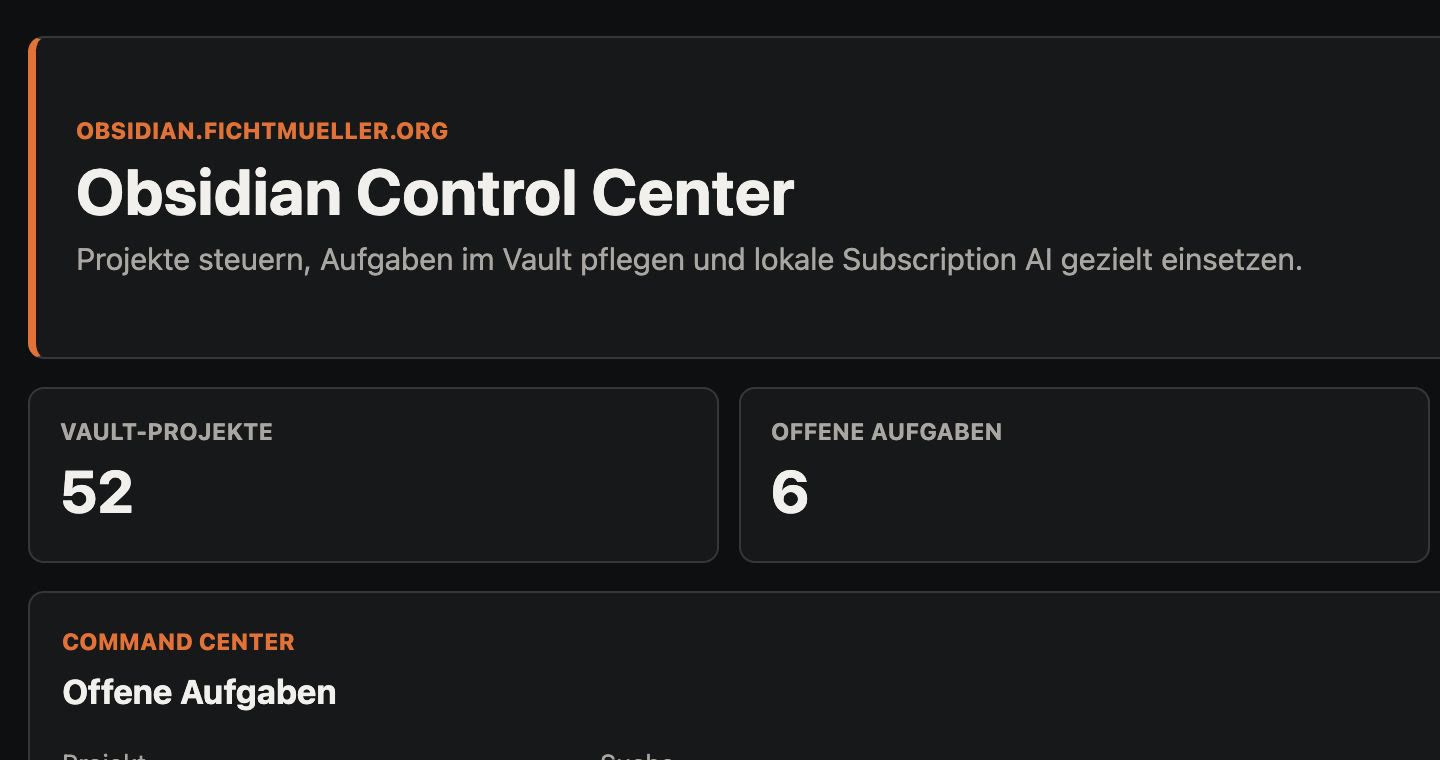
Folders and notes become a navigable project view without replacing the Markdown source of truth.
Status changes and operational updates land back in the exact notes people and agents already use.
Local automation runs against deliberately selected context instead of receiving the whole vault by default.
This is a private operational system. The repository and live instance are intentionally not public.
BROWSE MY PUBLIC GITHUB ↗